QR Code Menu Setup Guide for Canadian Restaurants
In brief: Setting up a QR code menu takes about an hour and costs nothing if you use the right tools. This guide walks you through the full process: picking a platform, building your menu, printing and placing your codes, and handling accessibility the right way. The short version? Go digital for speed and savings, but keep paper menus on hand.
Why bother with a QR menu?
The practical case is simple. An independent restaurant spends roughly $3,847 per year on menu printing. Every time you change a price, 86 a dish, or add a seasonal special, that number climbs. A QR menu costs between $0 and $12 a month, updates in minutes, and never needs a trip to the print shop.
But the real win isn't the money. It's the flexibility. You can run a different lunch menu and dinner menu without printing two sets of cards. You can pull a dish the moment you run out of an ingredient. You can test a prix fixe on a Tuesday night and see how it performs without committing to a full print run.
About 75% of restaurants globally now use QR codes for menus. That number is higher in urban markets and lower in fine dining, where physical menus remain part of the experience. Your call on where you land.
One stat worth knowing: restaurants with clear QR signage see a 73% scan rate. Drop a code on a table with no context and that falls to 34%. Presentation matters, even for a square barcode.
Better guest experience. Bigger nights. $299. Once.
What you actually need before you start
Not much. Here's the checklist:
- Your full menu typed out (dish names, descriptions, prices)
- A smartphone to test the final product
- Access to a printer (home printer works fine for table cards)
- 30 to 60 minutes
You don't need a web developer. You don't need a POS integration. You don't need a monthly subscription. Those things can come later if they make sense for your operation.
Step 1: Pick your platform
This is where most guides get self-serving, because they're written by QR code companies selling you their platform. Here's an honest breakdown.
| Platform | Cost | Best for | Notes |
|---|---|---|---|
| Canva | Free | Restaurants that want a branded PDF menu with a basic QR code | Design-forward, but the QR code itself is static. Great for menus that don't change weekly. |
| QR Menu Generator | Free tier | Quick setup, dynamic codes | No credit card required. Allergen flags, categories, images. Limited to 2 dynamic codes on free plan. |
| Menubly | $9.99/mo | Full-featured digital menu | Mobile-optimized, built specifically for restaurants. Live in about 30 minutes. |
| MenuHoster | Free basic | Clean, fast, zero learning curve | Good free tier for simple menus. Paid tiers add analytics and customization. |
| Your own website | Whatever you're already paying | Restaurants with an existing site | Upload a menu page and generate a free QR code pointing to it. Full control. |
Our take: if your menu changes less than once a month, Canva plus a free static QR code generator is all you need. If you change it weekly (specials, seasonal items, availability), go with a dynamic QR platform so you never have to reprint the code itself.
Static vs. dynamic, quickly: A static QR code points to one fixed URL. Change the menu, change the code, reprint everything. A dynamic QR code points to a redirect URL you control. Update the destination anytime. The code on the table stays the same. For a restaurant, dynamic is almost always the right choice.
Step 2: Build your digital menu
Whatever platform you pick, the setup follows the same pattern:
Organize your menu into clear sections. Starters, mains, desserts, drinks. This sounds obvious, but a digital menu with poor structure is worse than a paper one. Your guests are scrolling on a 6-inch screen, not browsing a full-page spread.
Write short descriptions. Two lines max per dish. Longer descriptions are fine on a printed card. On a phone screen, they make guests scroll endlessly. Get to the point.
Add prices to everything. Guests who have to ask for prices order less. That's true in person and it's true on a digital menu.
Include allergen info if your platform supports it. Small icons for common allergens (gluten, nuts, dairy, shellfish) add value without adding clutter. Some platforms handle this natively; on simpler setups, a note at the bottom works.
Skip the heavy photos. A few hero images of your best dishes are fine. A photo of every single item slows loading and makes the menu feel like a catalogue. If the page takes more than a few seconds to load, you'll lose people.
Test on your own phone before you print anything. Open the link, scroll through the whole menu, check that prices are right. Have a staff member do the same on a different phone. If it's hard to read or slow to load, fix it now.
Step 3: Generate and print your QR codes
Once your digital menu is live and tested:
- Generate the QR code. Most platforms include this. If you're linking to your own website, use a free generator like QR Code Generator or Canva's built-in QR feature.
- Download a high-resolution version. PNG or SVG. Don't screenshot a QR code from your screen. It'll look blurry when printed larger.
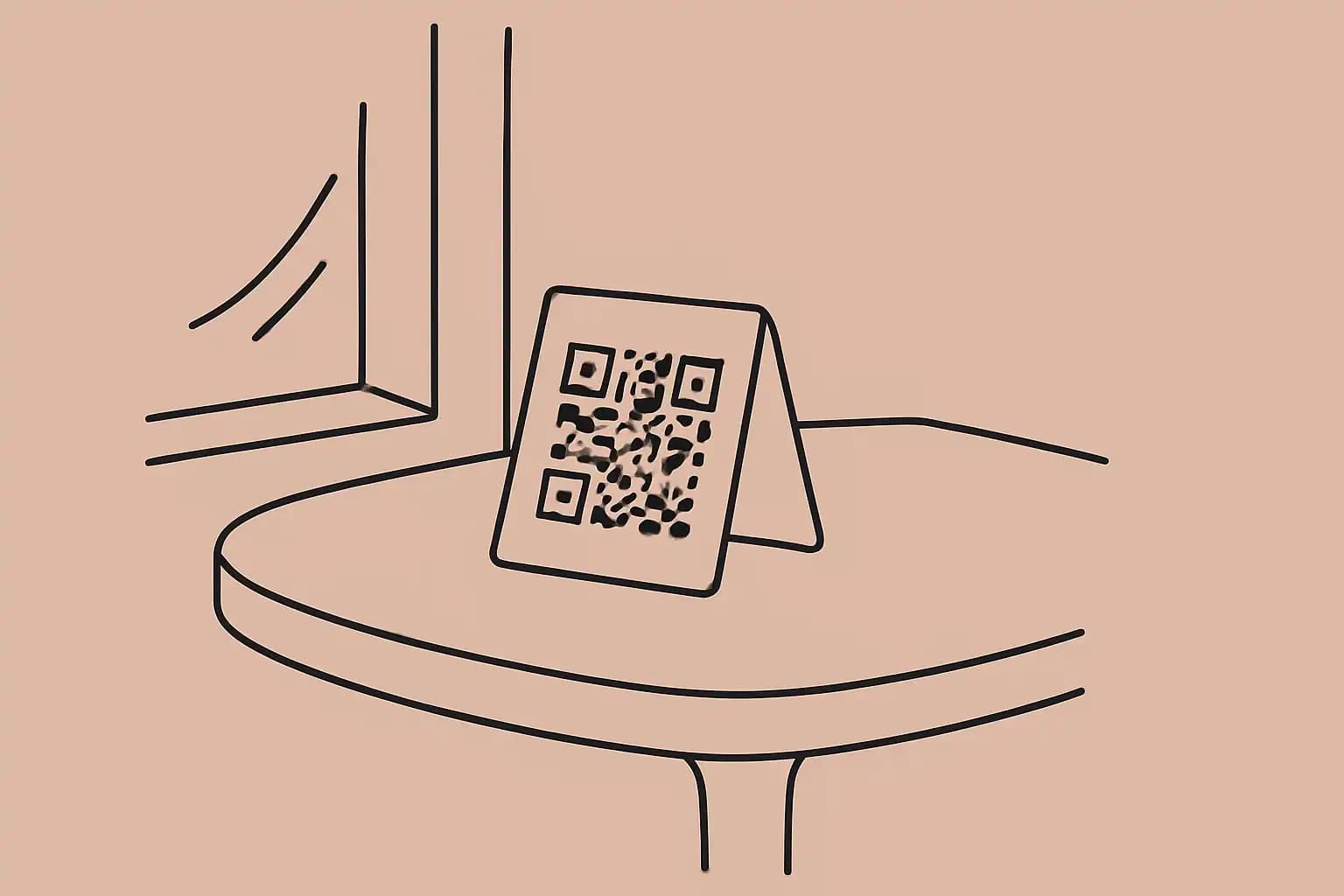
- Design a simple table card. Include: the QR code, a short line like "Scan for our menu," and your wifi password if you share it. That's it. Resist the urge to fill the card with your Instagram handle, hours, and a mission statement.
- Print and laminate. Laminated cards survive spills, wipes, and the general chaos of service. A home laminator costs $30 and pays for itself in a week.
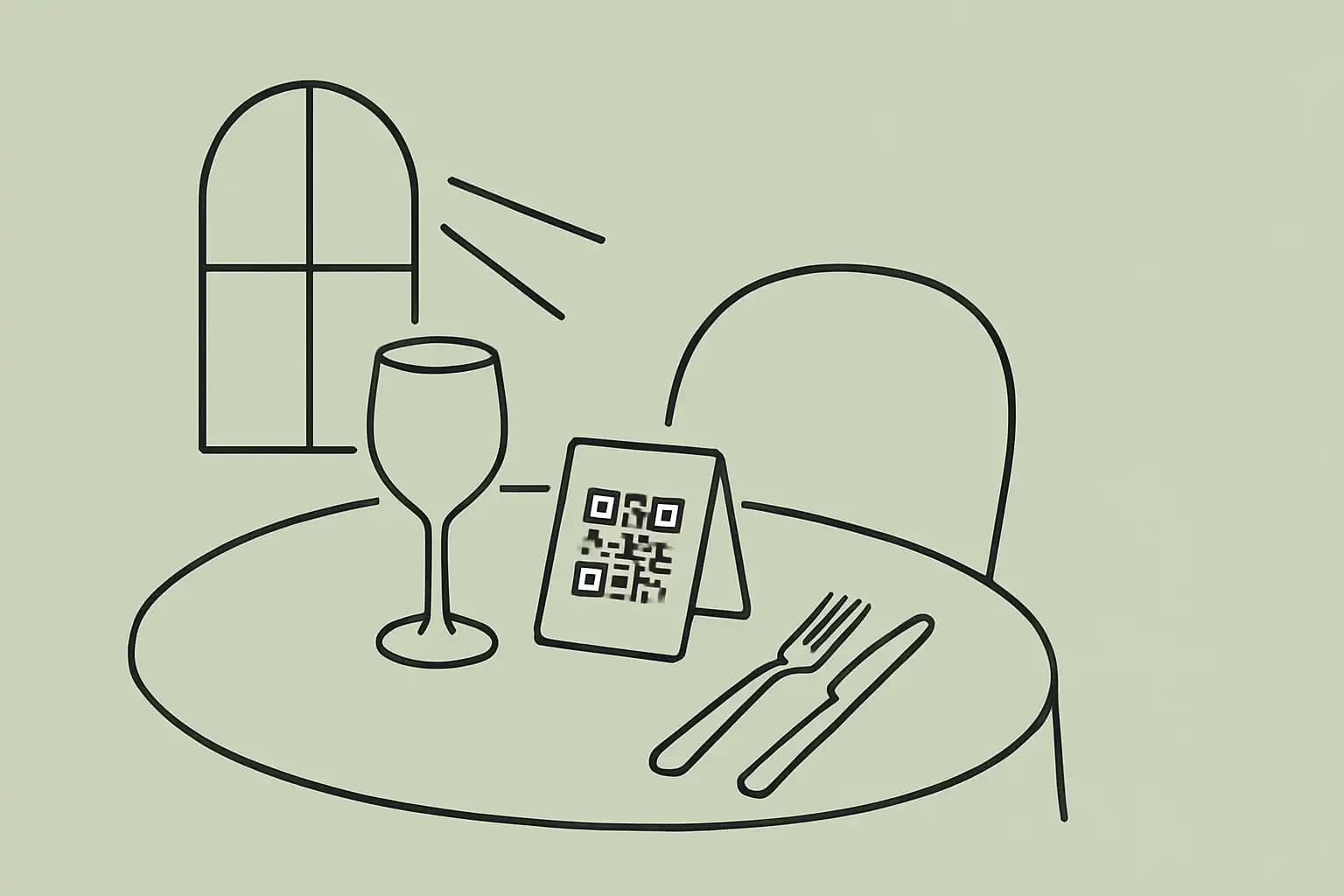
- Place them where guests naturally look. Centre of the table, counter at the entrance, bar top. Not tucked behind the napkin holder.
How many to print: One per table plus 10-15% extra. They get damaged, they disappear, they end up in someone's bag. Budget for replacements.
Step 4: Keep paper menus (seriously)
Here's the opinion nobody selling QR software wants to share: you should keep physical menus available.
Some guests prefer paper. Older diners, guests who forgot their phone, people whose battery is dead, anyone who just doesn't want to squint at a screen while they're trying to enjoy dinner. About 55% of diners say QR menus are hard to browse, and 65% of guests over 60 aren't comfortable using them at all.
This isn't a knock against QR menus. It's a hospitality decision. The point of going digital is to save money and gain flexibility, not to force a single experience on every guest. Keep a stack of printed menus behind the host stand. Offer them proactively to guests who seem unsure. That's the whole trick.
In Ontario, this isn't optional. The Accessibility for Ontarians with Disabilities Act (AODA) requires businesses to offer menu information in alternative formats. A QR code alone doesn't meet that standard. You need a physical alternative available on request. Other provinces have their own accessibility frameworks, but the principle is the same: don't make digital the only option.
Step 5: Train your team
Your staff needs to know three things:
How to help a guest who can't scan. "Can I grab you a printed menu?" Done. No awkwardness, no explaining how QR codes work.
Where the paper backups are. If nobody can find them during a rush, they don't exist.
How to update the menu. At least one person per shift should know how to pull a sold-out dish or fix a price. If that requires logging into a platform, make sure they have the credentials. If only you can do it, you'll get a text every time the kitchen runs out of halibut.
What a QR menu won't do
It won't replace your POS system. It won't take orders for you (unless you specifically set up mobile ordering, which is a different project). And it won't fix a bad menu. If your descriptions are confusing on paper, they'll be confusing on a phone screen too.
A QR menu is one tool in your tech stack. It handles the "show the menu" part well and cheaply. Everything else, from ordering to payment to reservations, is a separate conversation.
Common mistakes to avoid
Using a PDF of your printed menu. This is the single biggest failure mode. A PDF designed for an 8.5x11 page is unreadable on a phone without constant zooming and scrolling. Build a mobile-first menu, even if it's just a simple webpage with your items listed cleanly.
Forgetting to update. A QR menu that shows last season's prices or a dish you dropped three months ago is worse than no digital menu at all. Set a calendar reminder: first of every month, review the QR menu.
Overcomplicating the card. Your table card needs a QR code and a one-line instruction. It doesn't need your logo, your story, your social handles, your address, and a photo of the chef.
Choosing a platform without checking mobile speed. Load the demo on your phone. If it takes more than 3 seconds, your guests won't wait. Heavy platforms with splash screens and animations look great in a sales pitch and terrible at 7pm on a Friday.
Sources: Supercode, QR Code Statistics UK, Restolabs, Restaurant Business Online, Pavement Pieces, AODA.ca.
When you're ready to take reservations, Trudy's Table is built for Canadian independents.
Frequently Asked Questions
How much does a QR code menu cost to set up?
Free to $12 per month for most independents. Free tools like Canva and QR Menu Generator handle basic needs. Paid platforms like Menubly ($9.99/mo) add features like analytics and allergen tagging. You'll spend more on the laminator than the software.
Do I still need paper menus if I have a QR code?
Yes. Keep printed menus available for guests who prefer them, and for accessibility compliance. In Ontario, the AODA requires alternative formats alongside digital menus. Other provinces have similar frameworks. Offering both is good hospitality and good legal practice.
What's the difference between a static and dynamic QR code?
A static code points to one fixed URL. If your menu changes, you need to generate and reprint a new code. A dynamic code uses a redirect, so you can update the destination without reprinting. For restaurants, dynamic codes are almost always the better choice.
How do I update my QR code menu?
Log into your chosen platform, make the changes, and save. If you're using a dynamic QR code, the update is live immediately. If you're using a static code pointing to a PDF, you'll need to replace the file at the same URL or generate a new code.
Will a QR menu work for fine dining?
It depends on your concept. Many fine dining restaurants keep printed menus as part of the experience and use QR codes for wine lists, cocktail menus, or specials that change daily. The hybrid approach works well: paper for the core menu, QR for the elements that change often.